Planning the Perfect Trip to Asia
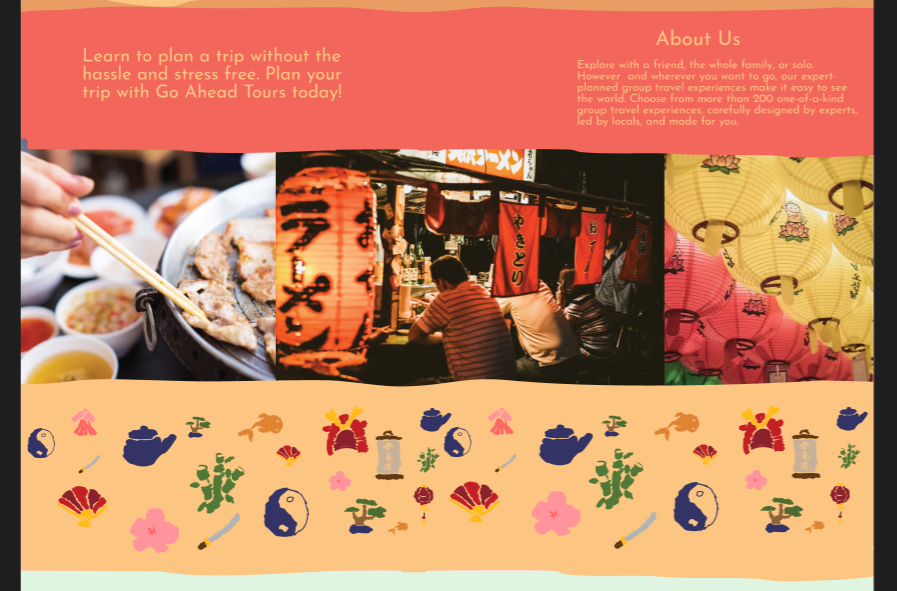
This project presents a colorful, user-friendly website designed in Figma. My goal was to create a helpful and visually engaging platform that guides travelers through planning a trip using clear, easy-to-follow steps. The design concept draws from cultural elements, incorporating a warm color palette inspired by traditional Asian art, with shades of red, gold, and orange to convey a sense of authenticity.
Through this project, I developed a stronger understanding of digital design principles, including simplicity, color contrast, and visual organization. I also gained experience designing responsive layouts, creating both desktop and mobile-friendly versions to ensure a consistent user experience across devices.
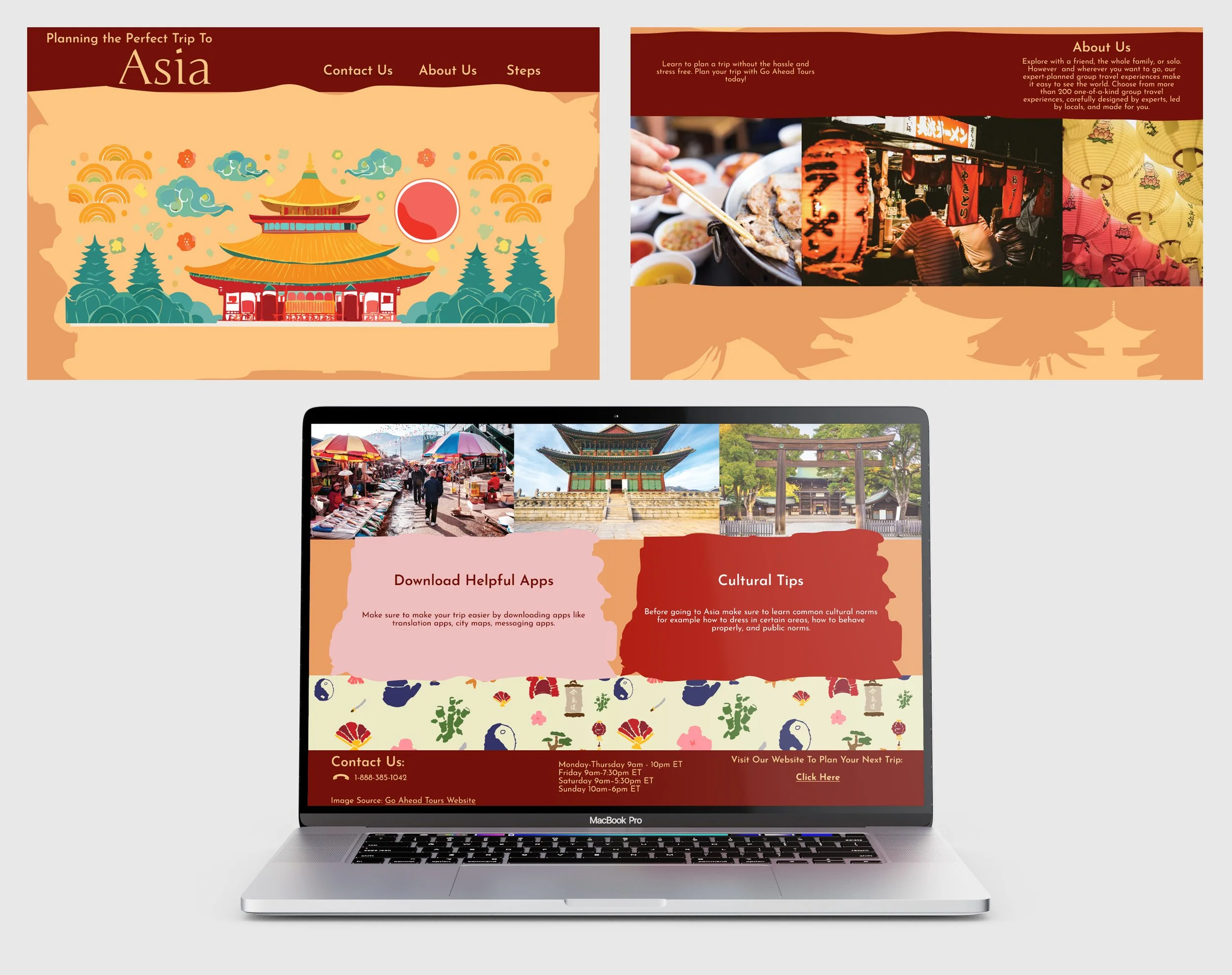
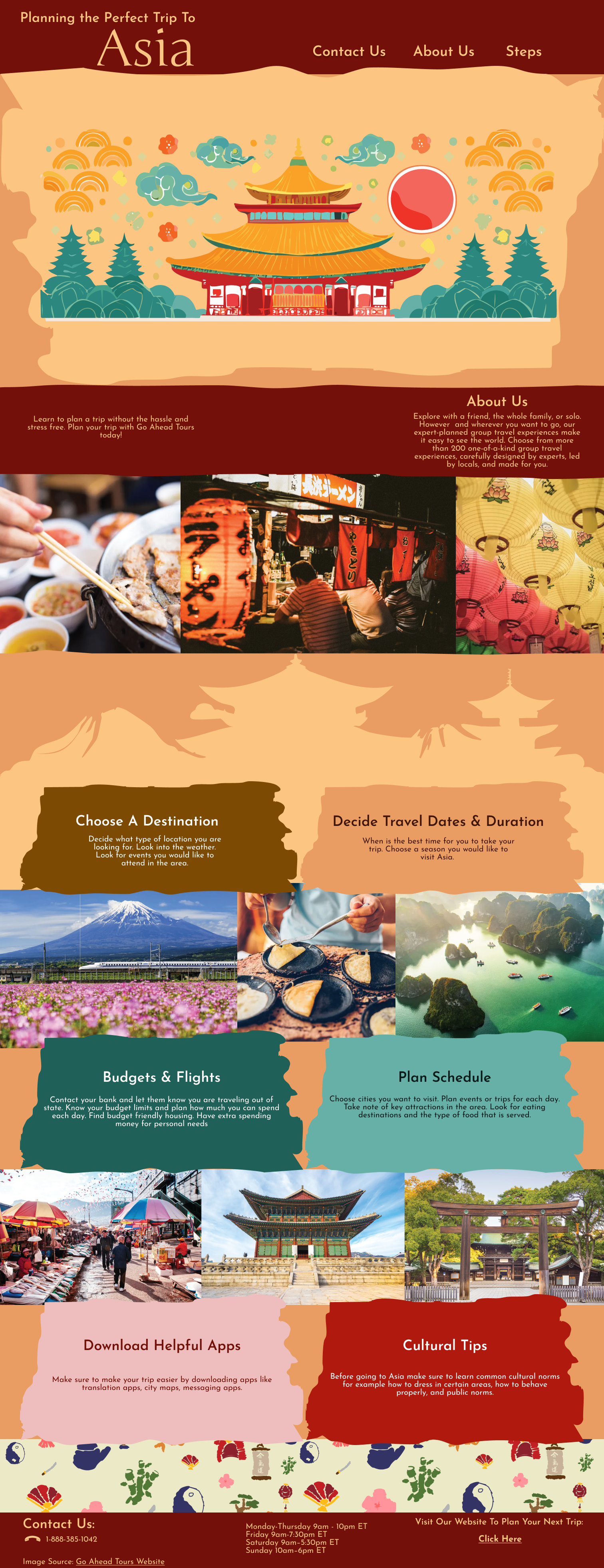
Desktop Version
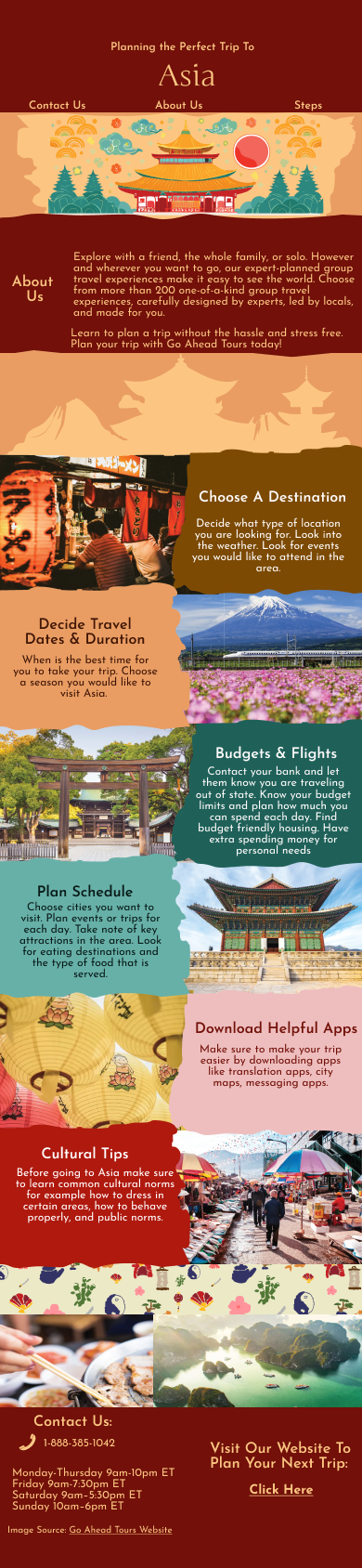
Mobile Version
When I began this project, I chose to design a website that promotes Go Ahead Tours, targeting travelers of all ages who are interested in visiting Asia. My goal was to create a resource that helps users plan their trip without feeling overwhelmed, while also showing how a travel agency can guide them through the process. To support this, I developed a clear set of steps to help users understand where to begin and how to move forward with their travel planning.
Process
Step 1: Choose a Destination
Decide what type of location you are looking for.
Look into the weather.
Look for events you would like to attend in the area.
Step 2: Decide Travel Dates and Duration
When is the best time for you to take your trip?
Choose a season you would like to visit Asia.
Step 3: Budgets and Flights
Contact your bank and let them know you are traveling abroad.
Know your budget limits and plan how much you can spend daily.
Find budget-friendly housing.
Have extra spending money for personal needs
Step 4: Plan Schedule
Choose the cities you want to visit.
Plan events or trips for each day.
Take note of key attractions in the area.
Look for eating destinations and the type of food that is served.
Step 5: Download Helpful Apps
Make your trip easier by downloading apps such as translation apps, city maps, and messaging apps.
Step 6: Cultural Tips
Before going to Asia, learn common cultural norms, such as how to dress in certain areas, how to behave properly, and public norms.
Next, I created sketches to explore how I wanted the website to look, developing multiple versions to test different layout ideas and design directions.
Sketches
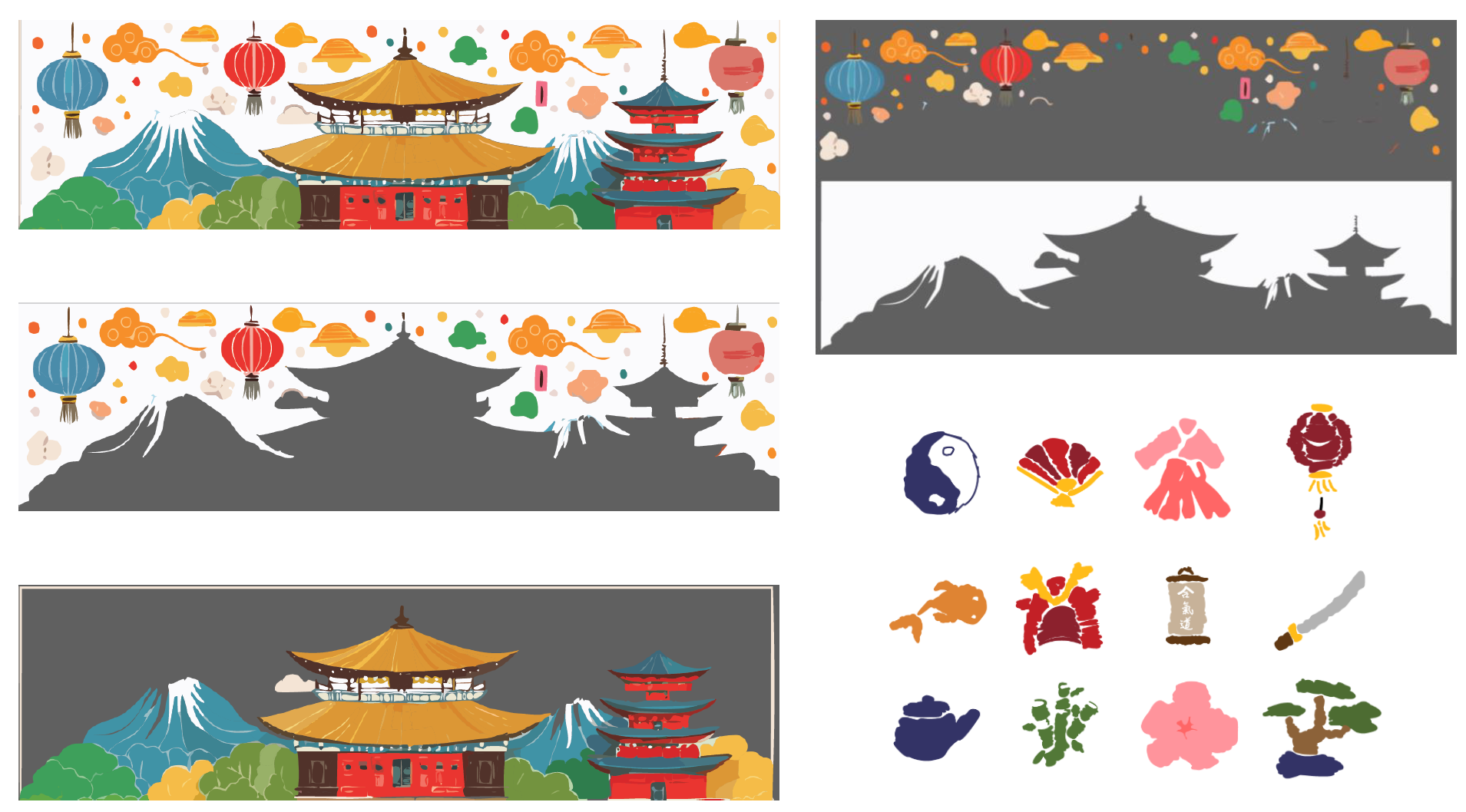
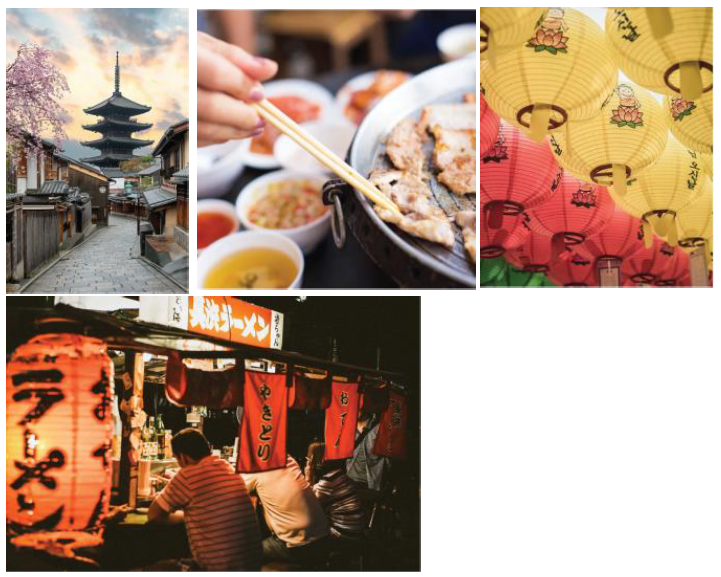
For the website elements, I incorporated icons from a previous project along with images sourced from the Go Ahead Tours website. I also used Adobe’s generative fill tool to create building cutouts, helping me enhance the overall visual composition and maintain a cohesive design.
Elements
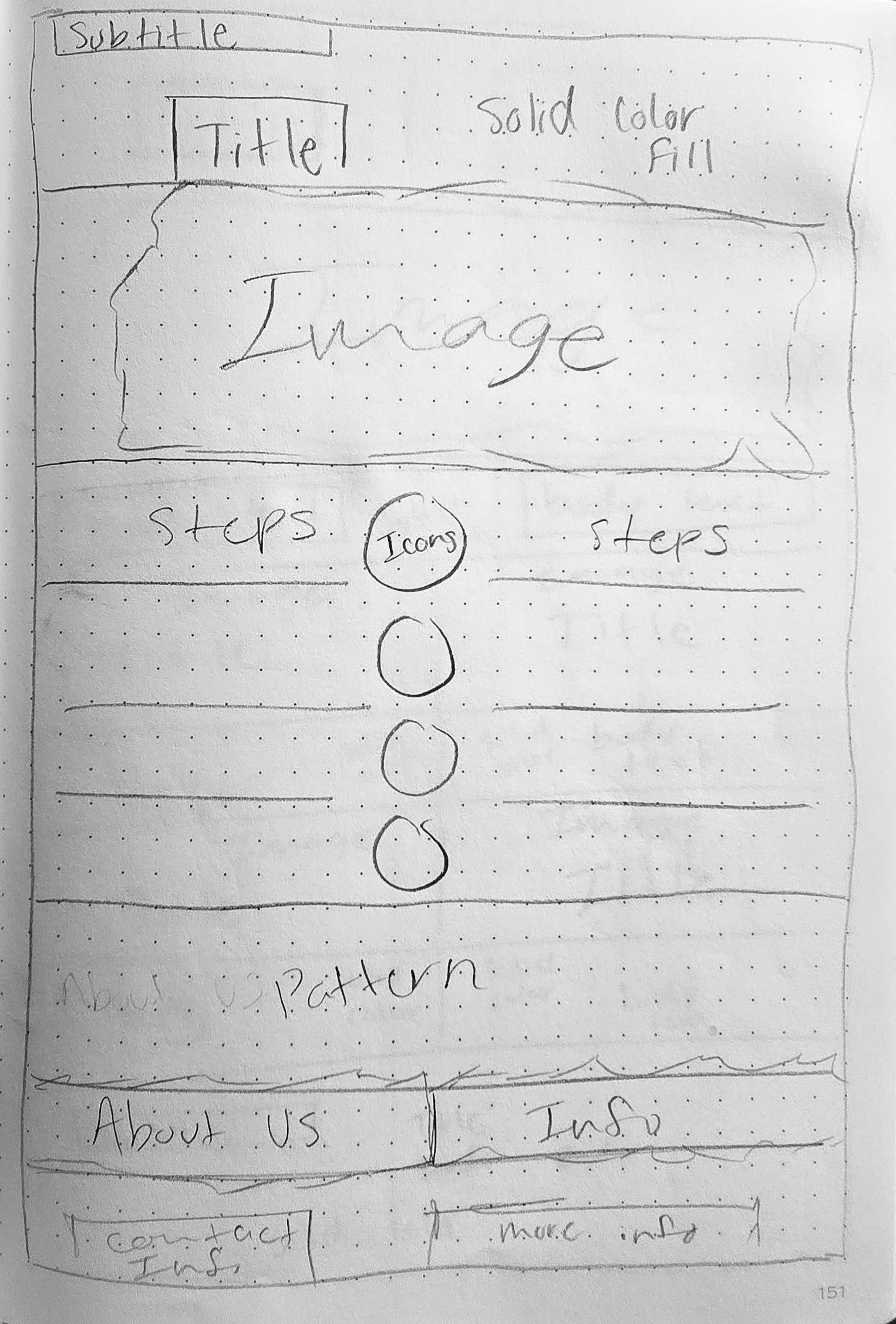
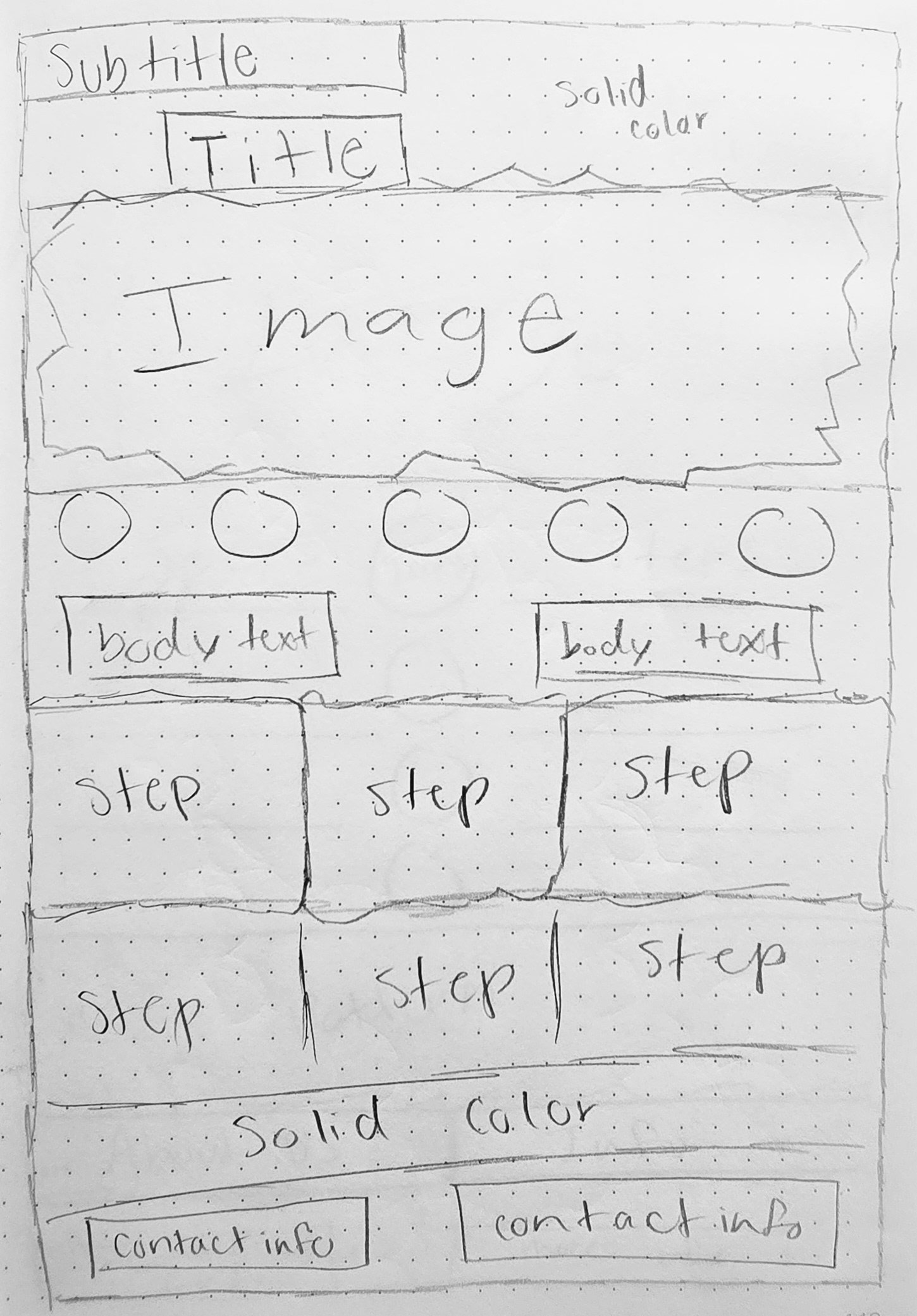
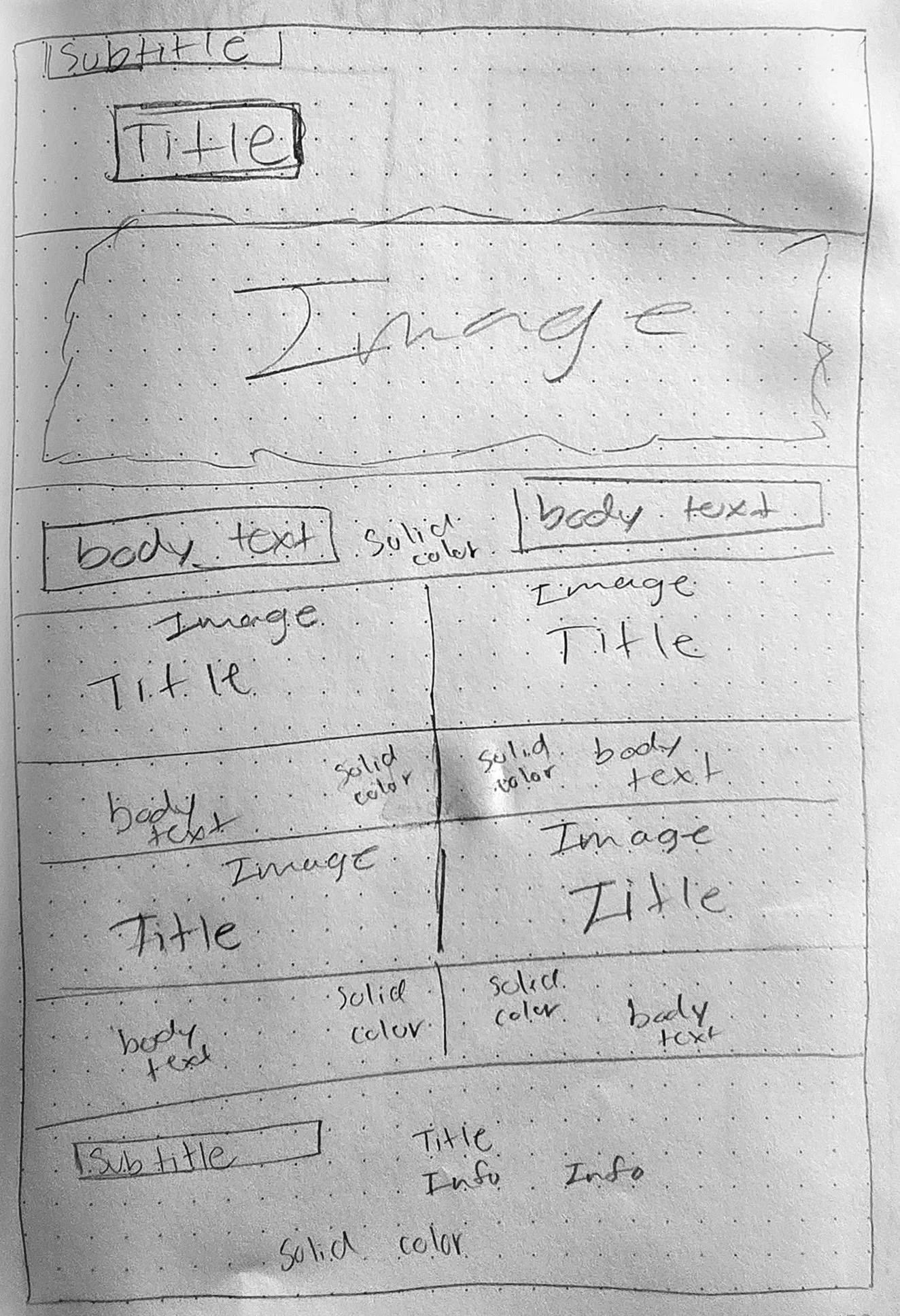
Layouts
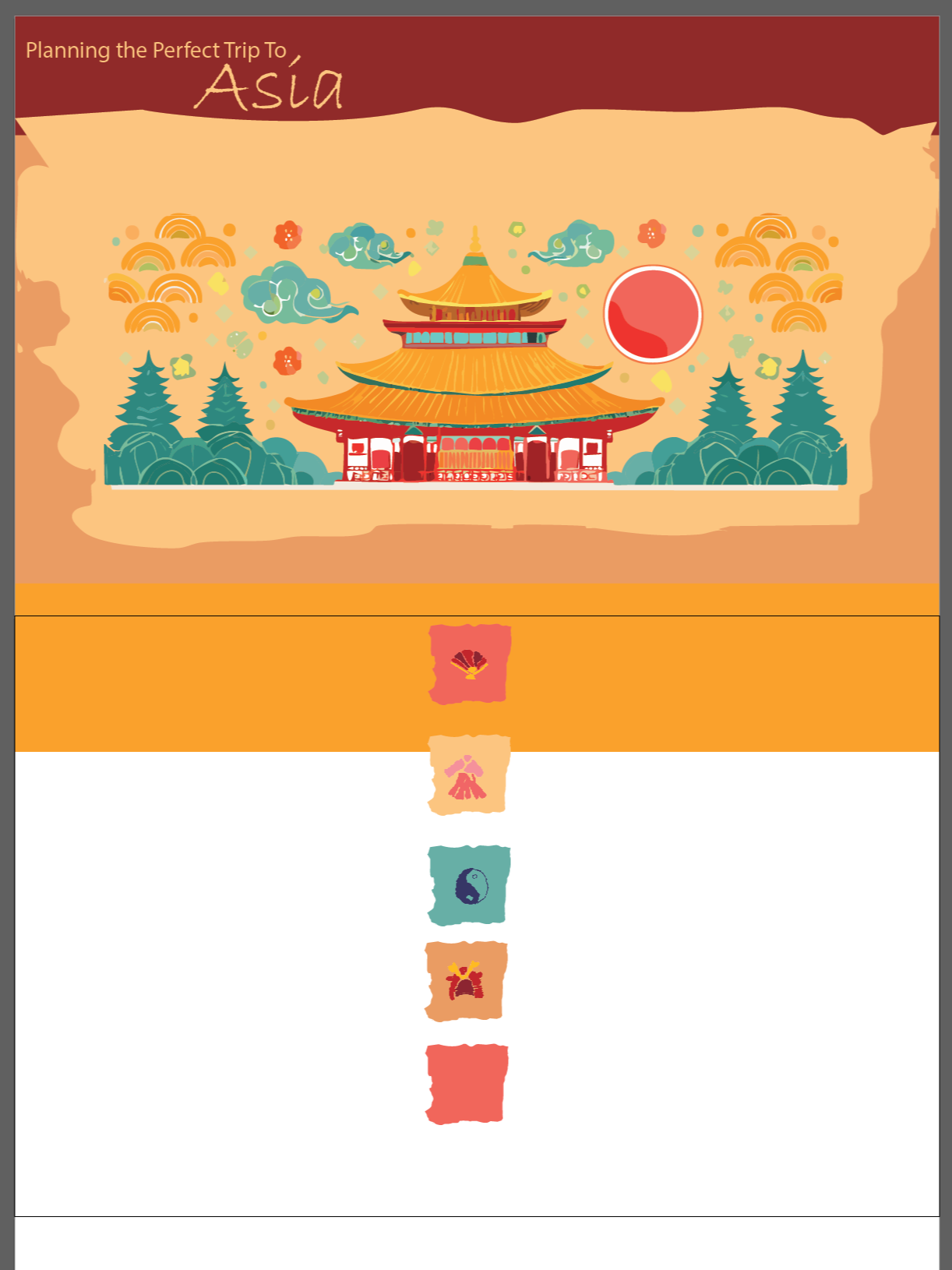
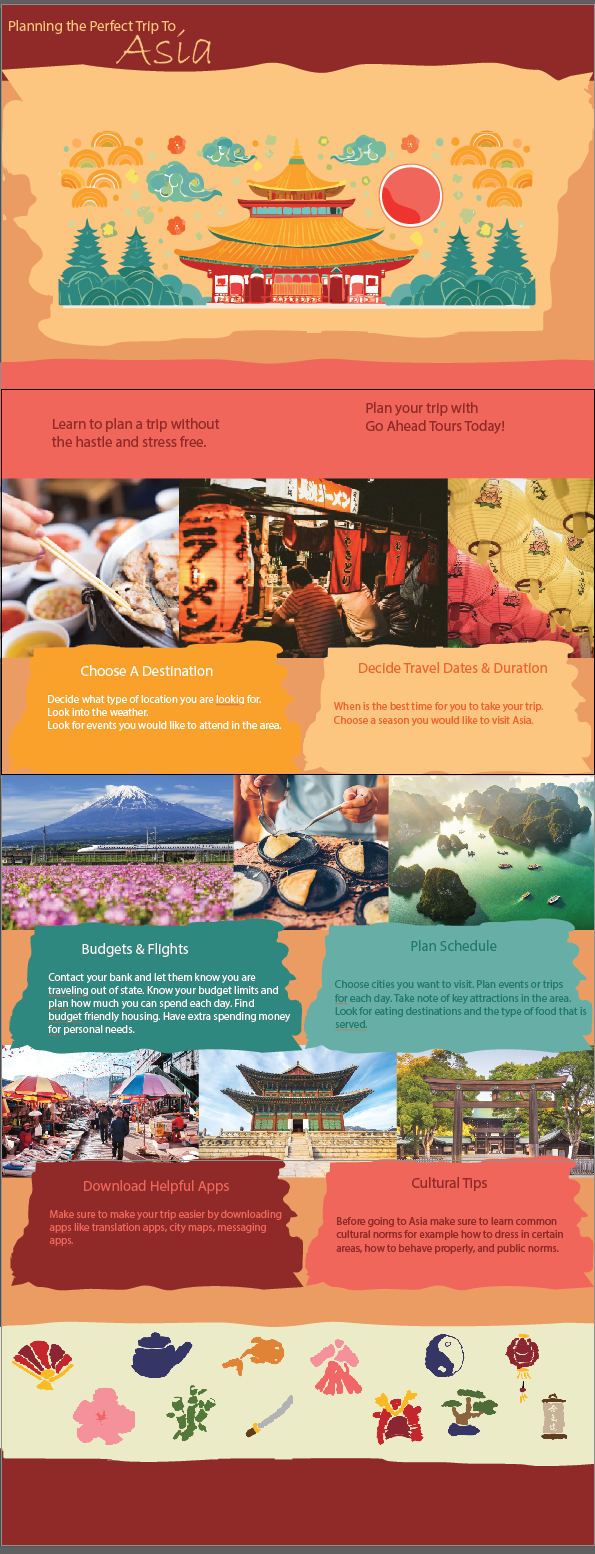
I digitized my layouts and selected the most successful one.
Below are the two font styles I selected for my website.
Typography


Color Testing
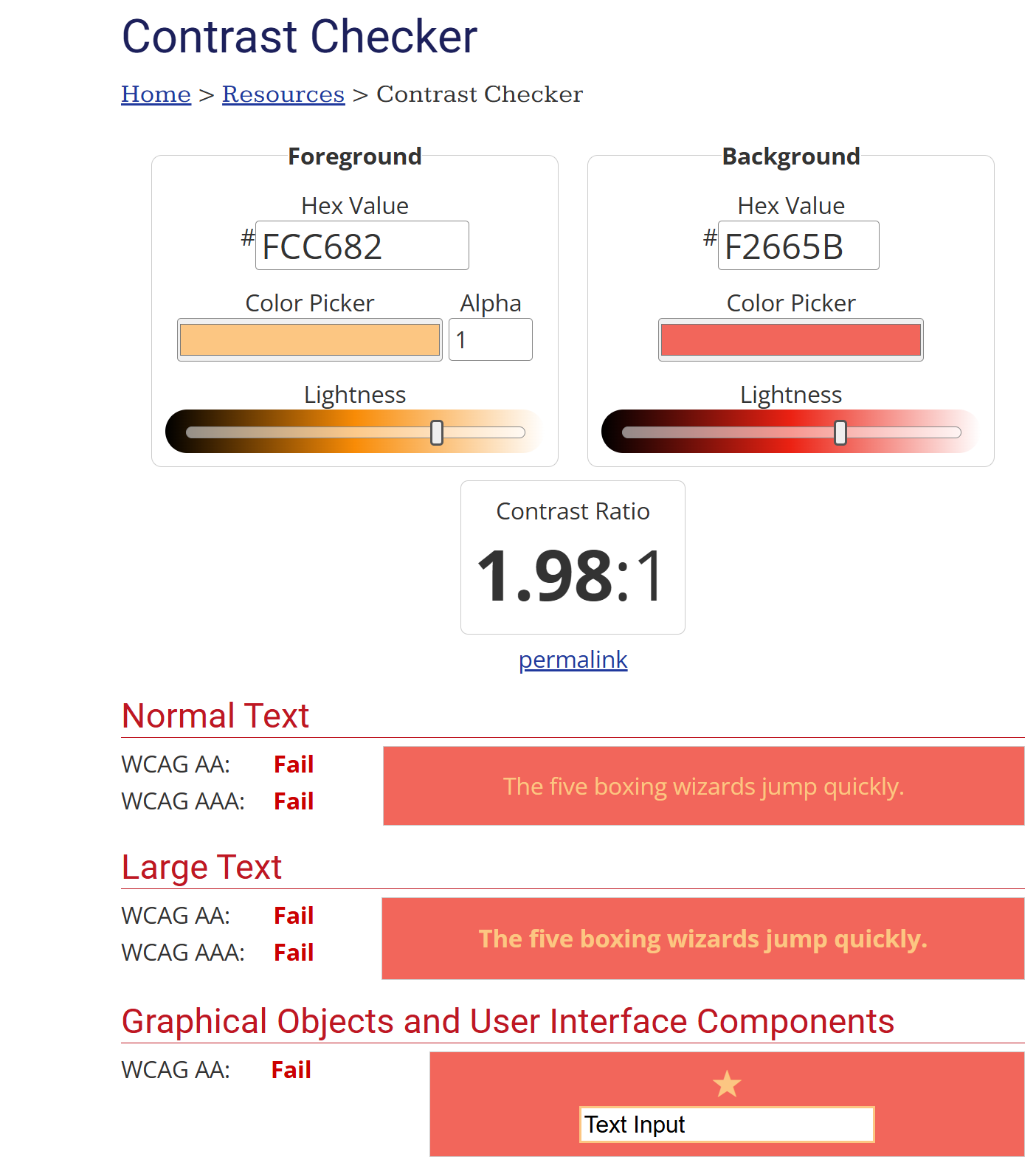
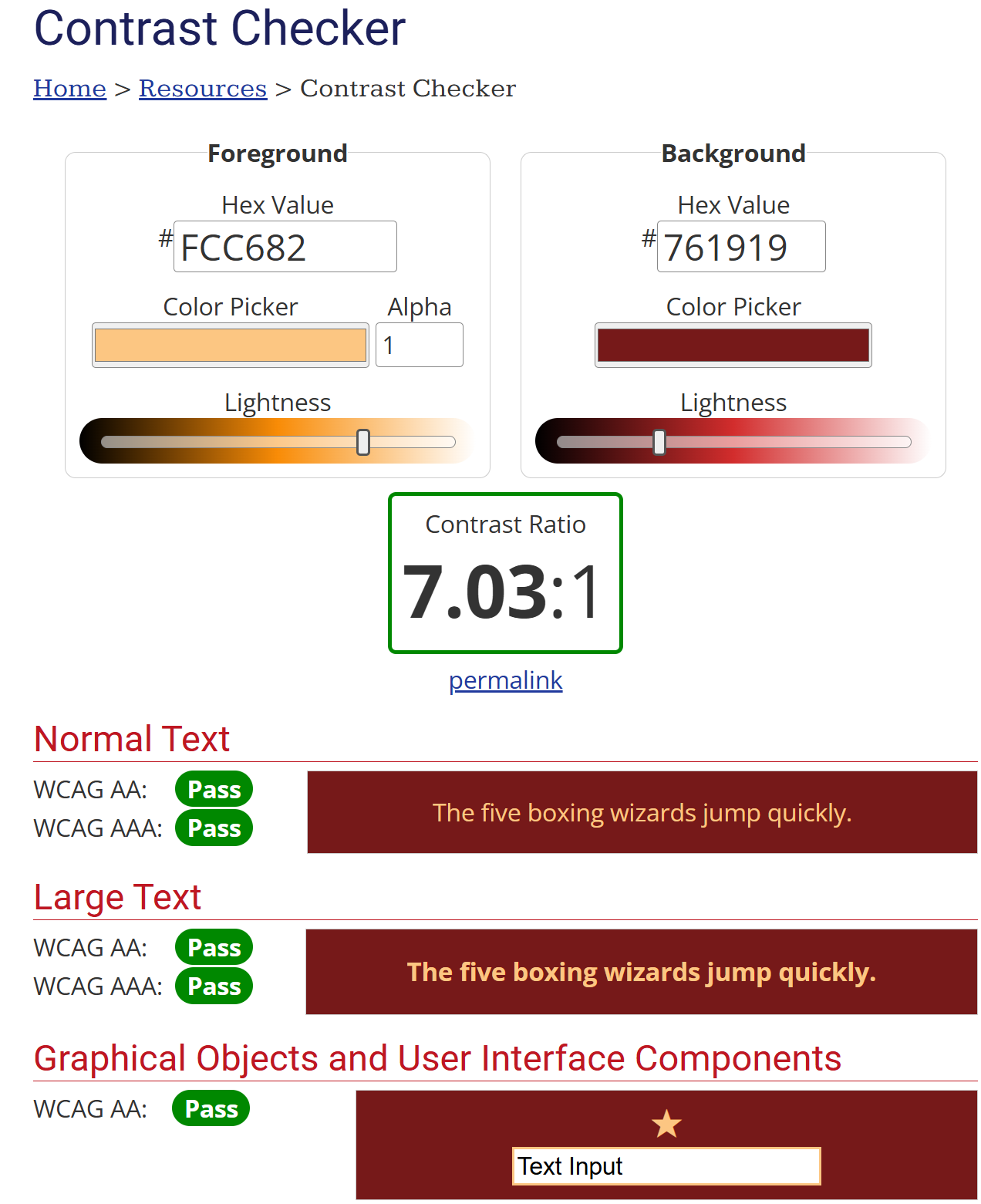
Since this was for a website, I made sure my color choices followed guidelines for digital screens.
These are the final colors I chose, which are used throughout my entire website.
Final Color Palette